HOME
Want to know more? Click here to go to the Visit Help Centre.

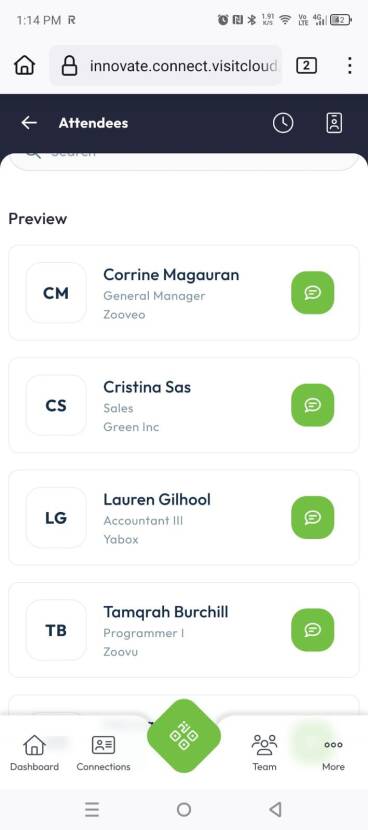
Set your availability and indicate whether you're open to online meetings. Don't forget to set your team members' permissions correctly in the team settings so everyone has the right permissions to manage meetings and messages.
How it works:
Set your availability in the calendar (desktop or mobile app).
Messages and requests can be found in the Messages section either sent privately to you or to the entire company.
You can reply directly within the conversation.
Meeting requests can be accepted, declined, or rescheduled.
Online meetings (if available) can be launched directly from Visit Connect.
DURING
Meetings & Messages

Set your availability and indicate whether you’re open to online meetings. Don’t forget to configure your team members’ permissions in the team settings, so everyone has the right access to manage appointments and messages.